



★★★★★
“The magnet held through my everyday case and the clip felt secure on the dashboard edge I chose. I tested the position while parked before using it for navigation.”
D***L
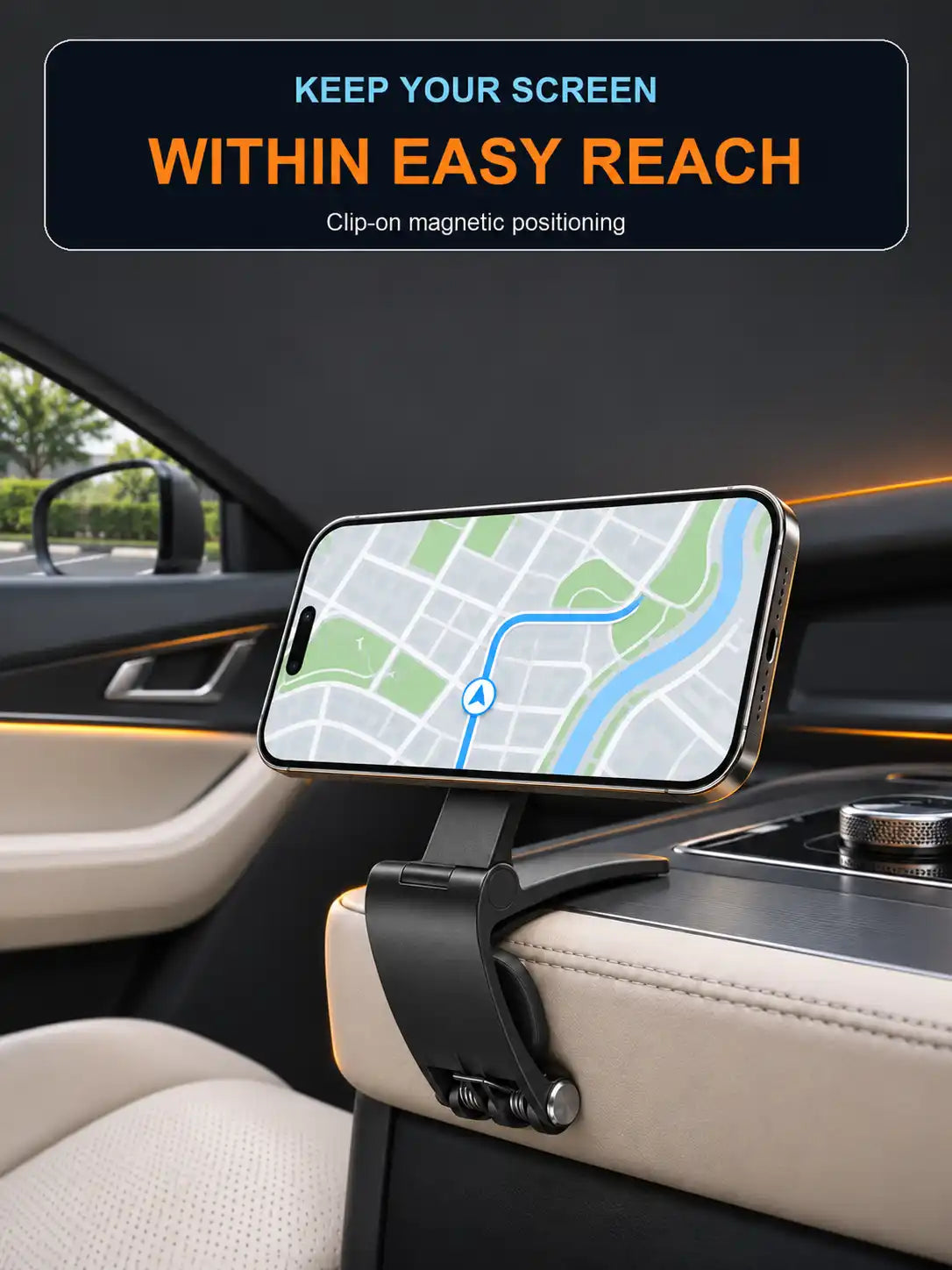
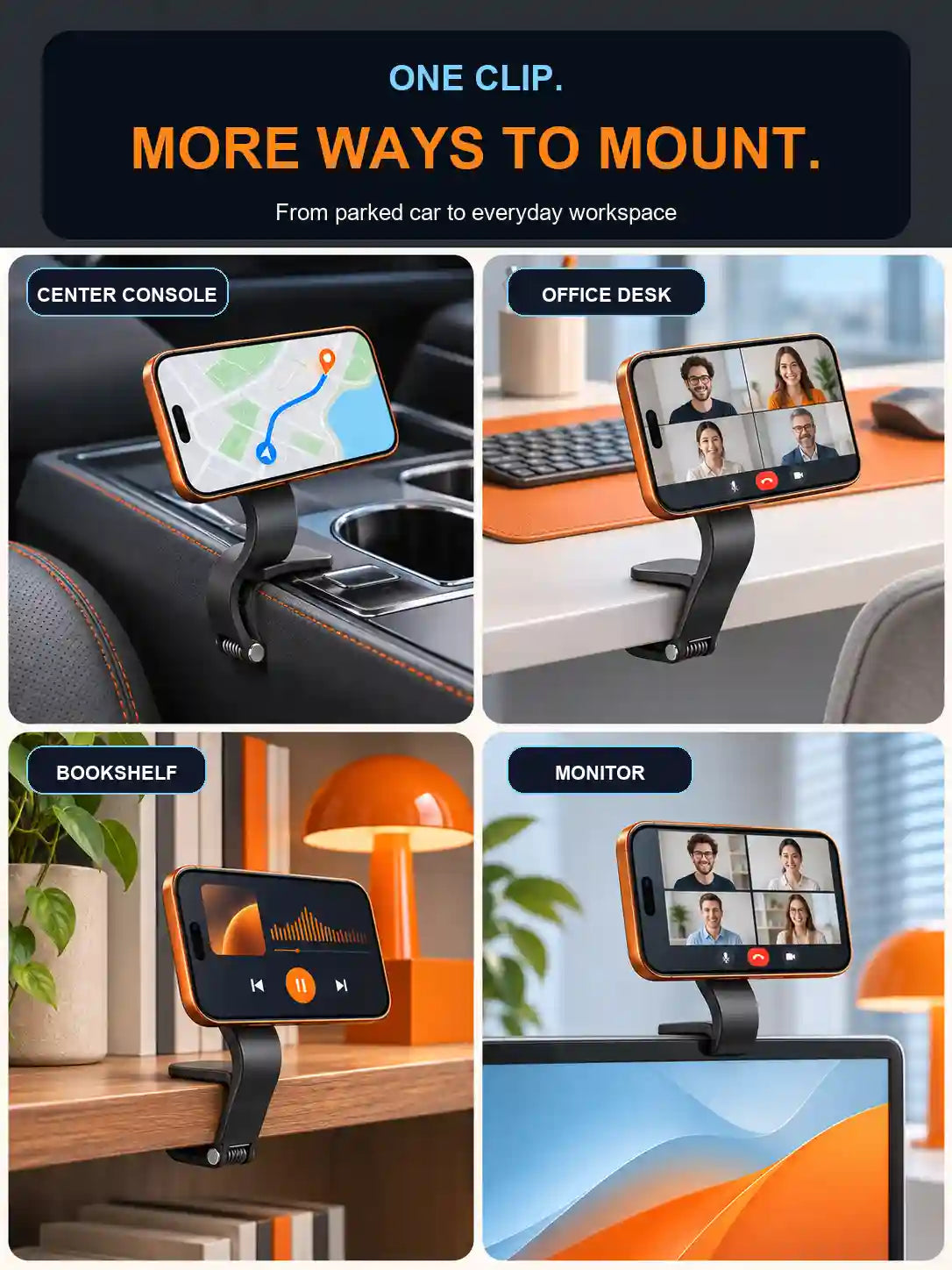
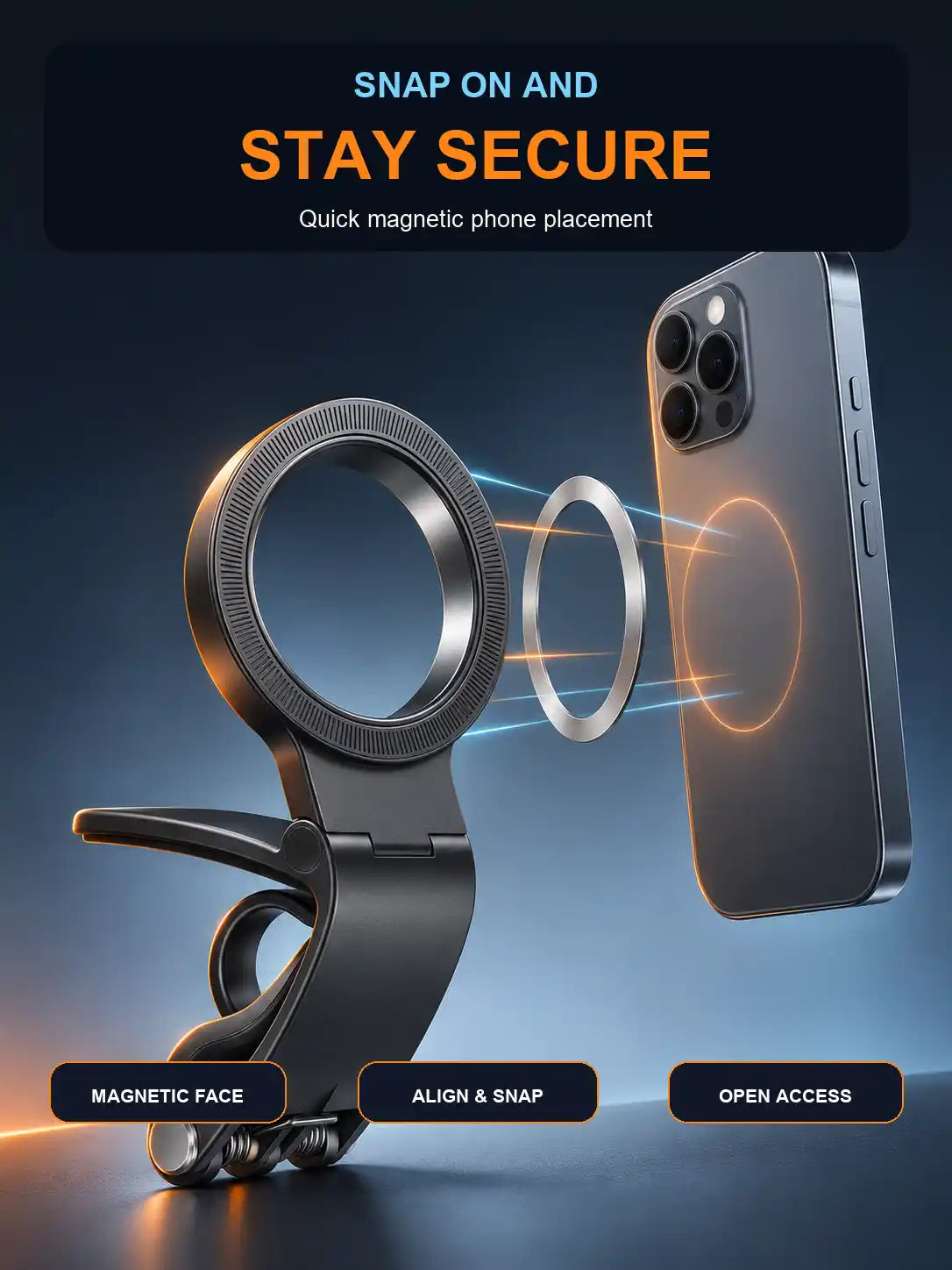
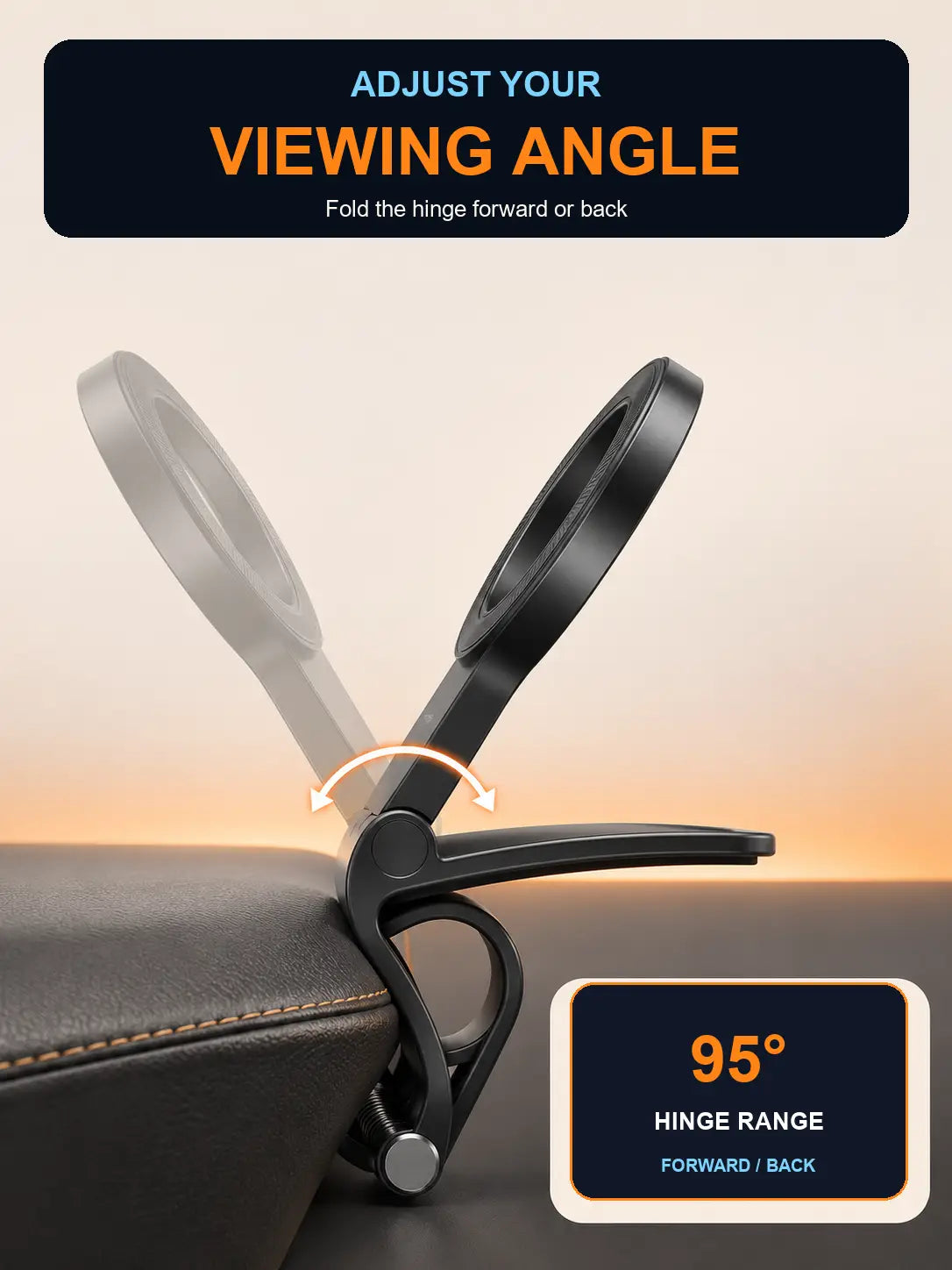
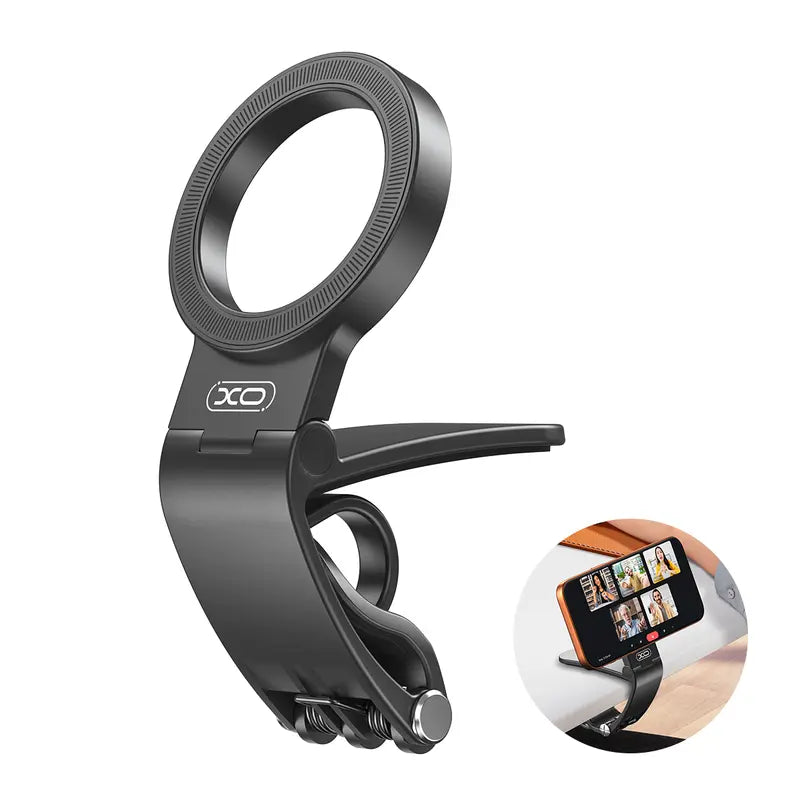
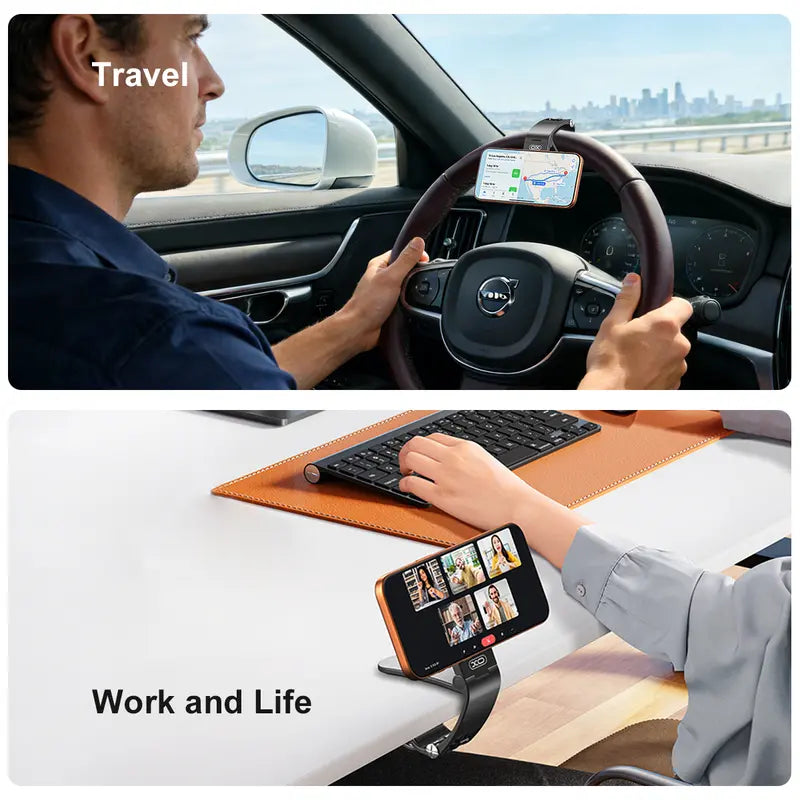
The spring clip attaches to a suitable edge while the magnetic ring and hinged head help position a compatible phone for navigation, calls or desk viewing.
A mechanical clip can be moved between compatible edges without leaving adhesive behind or relying on a suction cup.
| Features | SMARTER PICKClip-On Magnetic Mount | Fixed Adhesive Mount |
|---|---|---|
| No adhesive pad required | ✔ | ✘ |
| Moves between locations | ✔ | ✘ |
| Portrait or landscape view | ✔ | ✘ |
| One-hand phone placement | ✔ | ✘ |
| Compact foldable body | ✔ | ✘ |
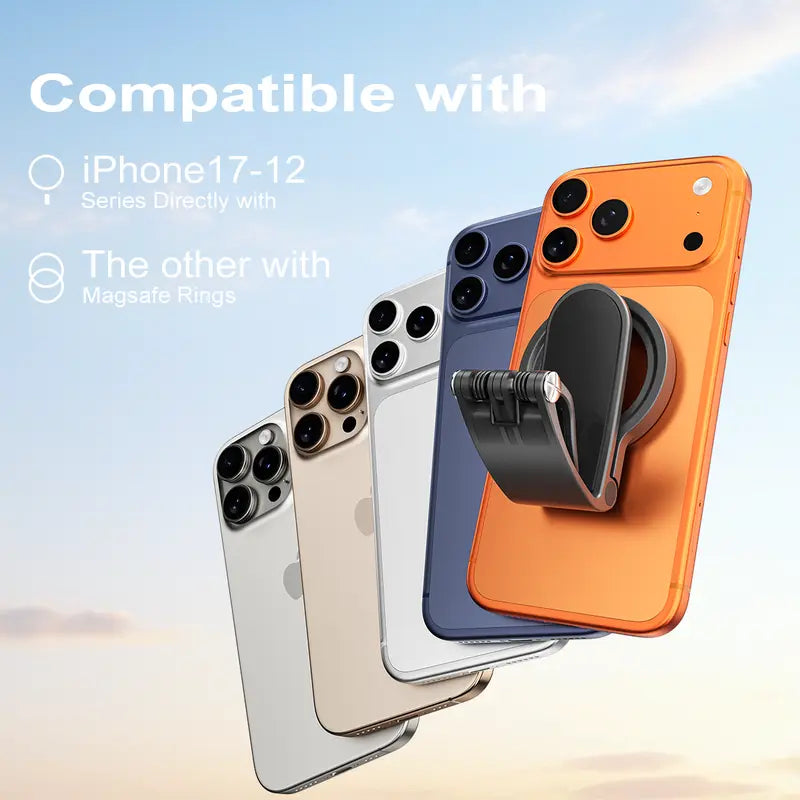
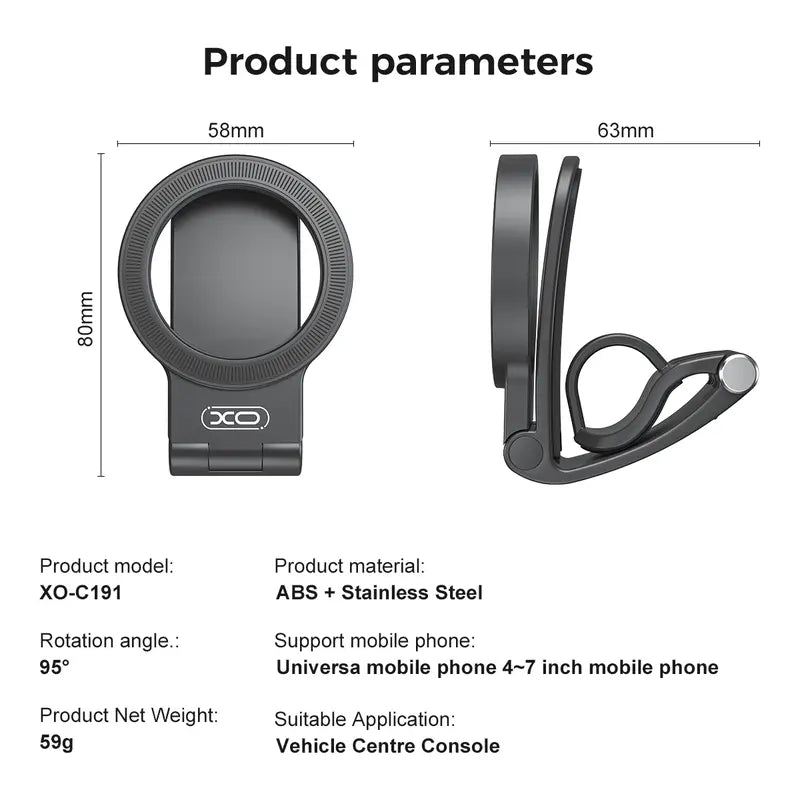
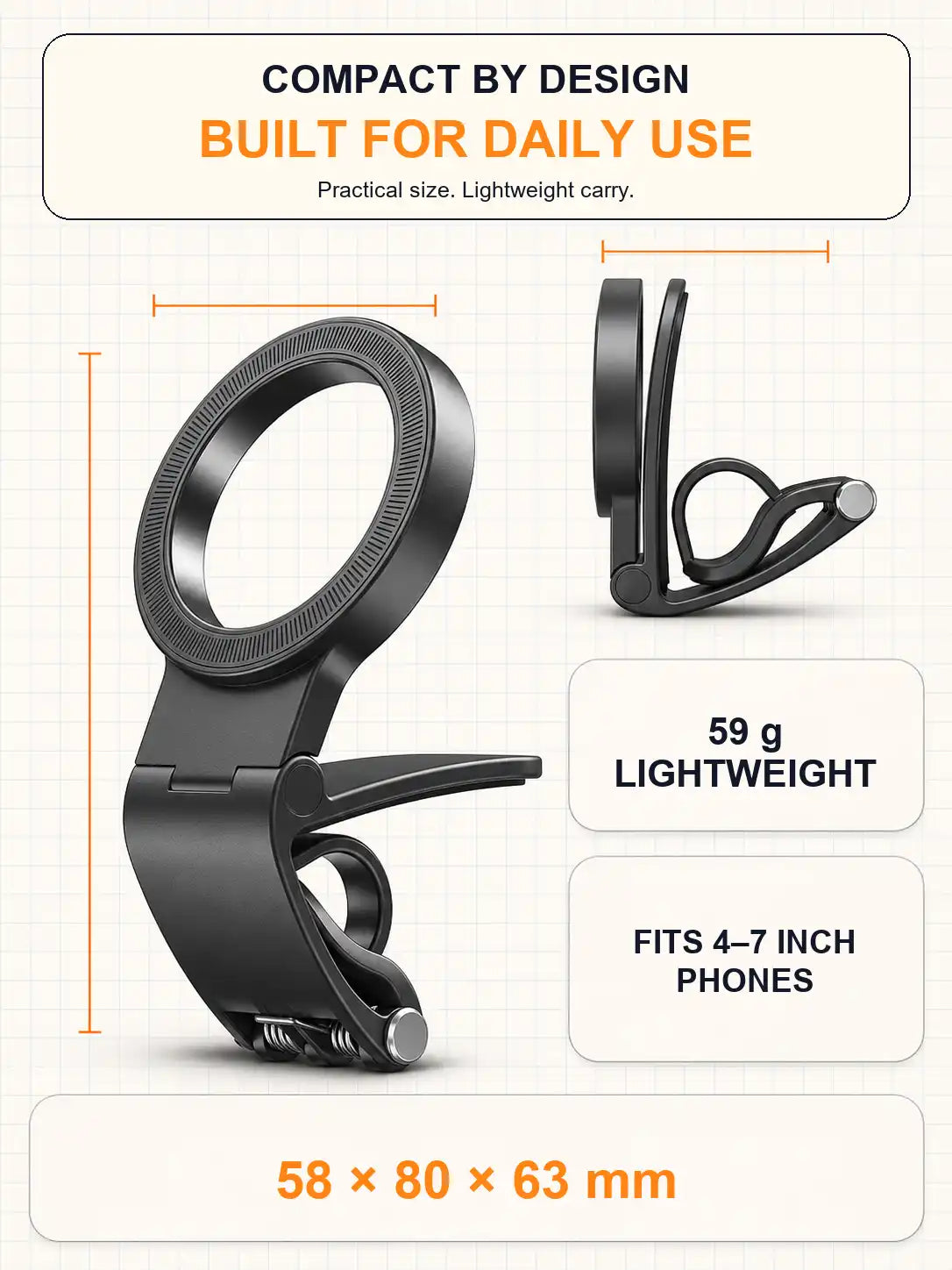
The holder is intended for many 4–7 inch phones. MagSafe-compatible phones can attach directly; other phones may require a compatible magnetic ring.
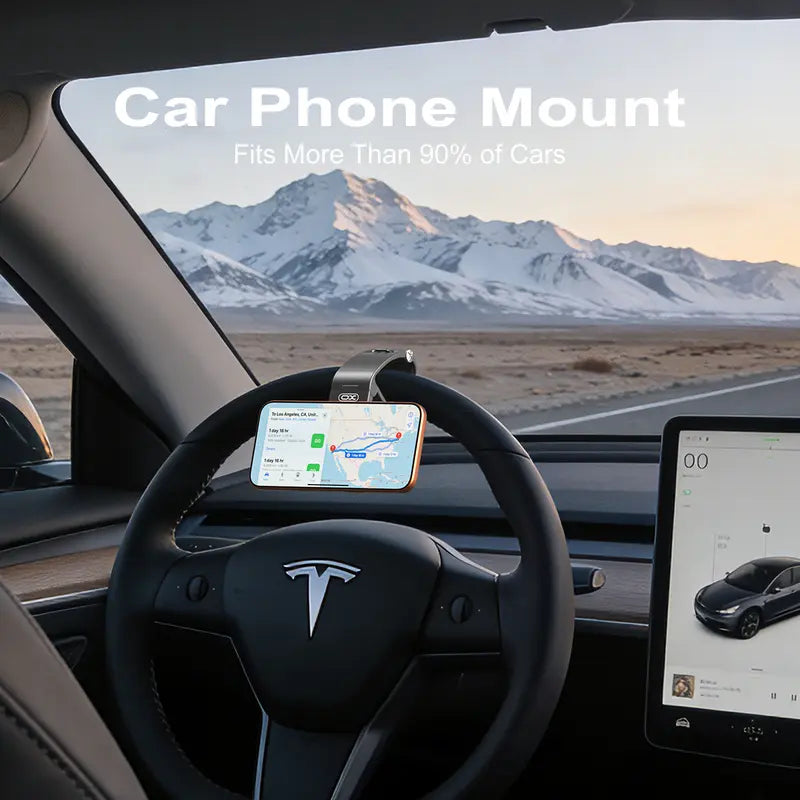
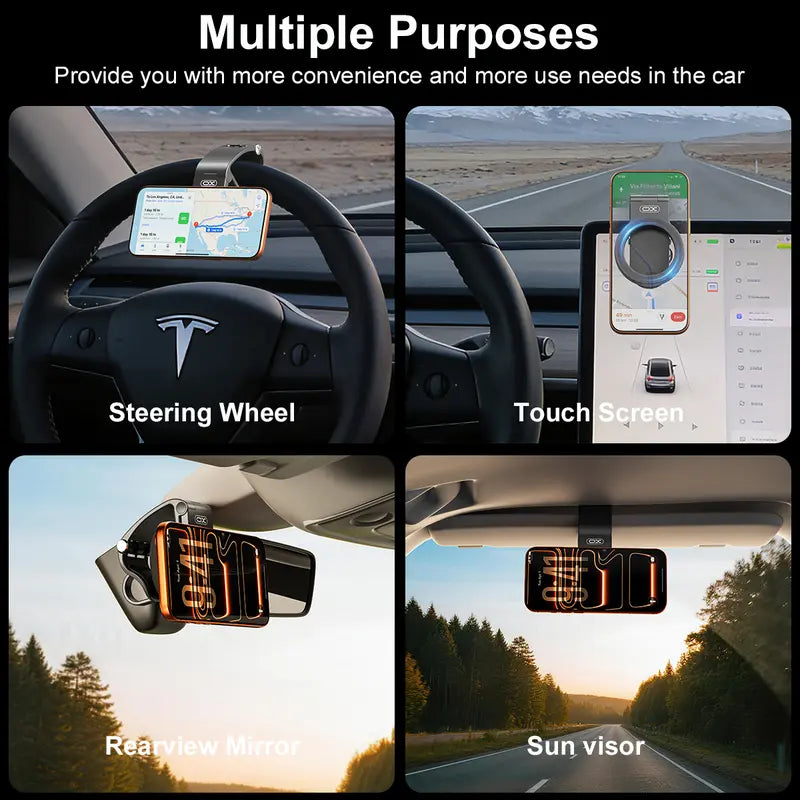
Use it only on a firm edge that fits securely inside the clip, such as a compatible dashboard lip, desk edge, tray or stationary surface.
Do not place it where it interferes with steering, airbags, instruments or the driver’s view. Follow local distracted-driving laws and adjust the holder only while parked.
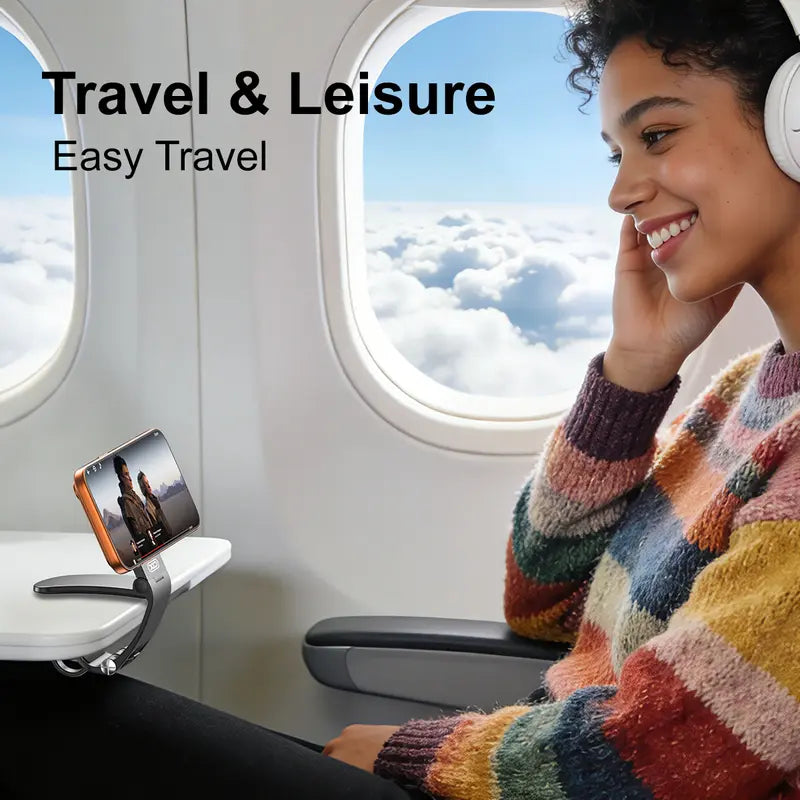
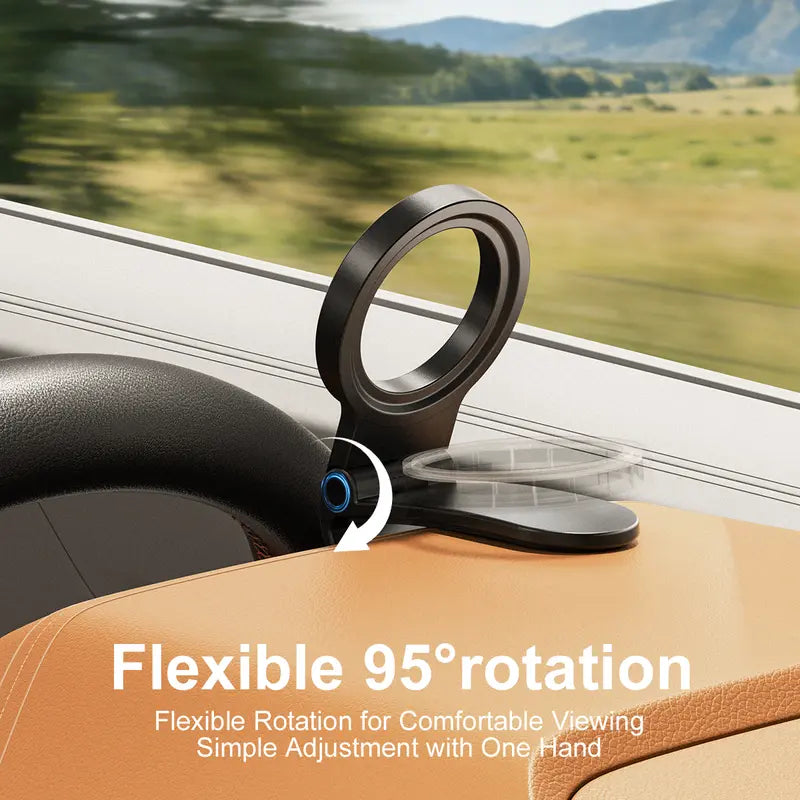
The hinged section supports approximately 95 degrees of angle adjustment. The magnetic phone placement also supports vertical or horizontal viewing without requiring an upper-body swivel.
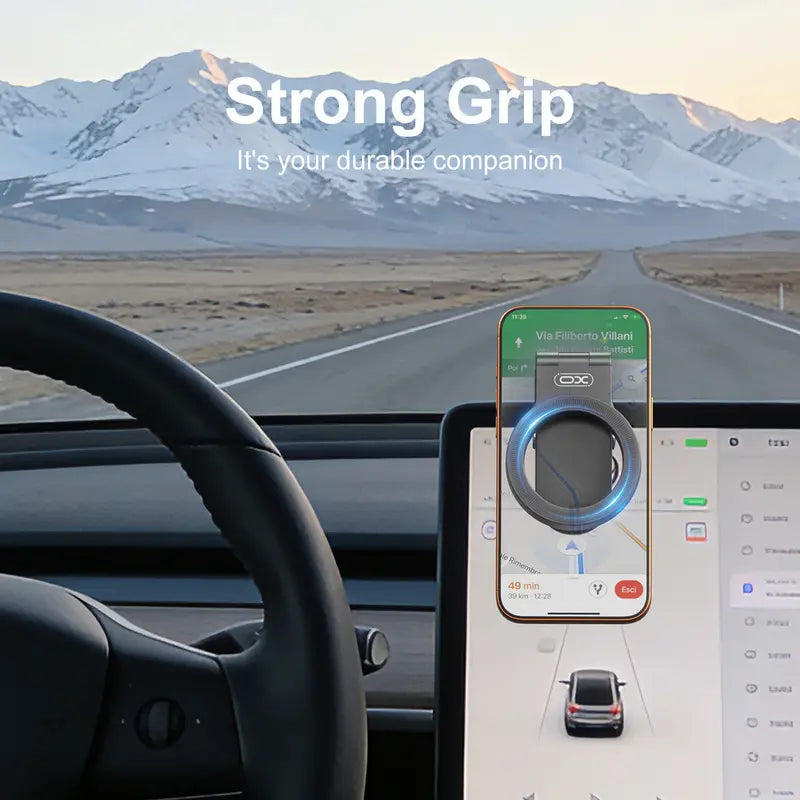
Magnetic strength depends on the phone, case thickness and ring placement. Thick or non-magnetic cases may require the included or compatible magnetic ring.
“The magnet held through my everyday case and the clip felt secure on the dashboard edge I chose. I tested the position while parked before using it for navigation.”

“It is smaller than I expected, which is a plus because I can fold it and move it between the car and my desk. The hinge gives me enough adjustment for horizontal videos.”

“The clip installation took only a moment and did not need adhesive. My car has limited mounting spots, so checking the edge thickness first made all the difference.”
Clip it to a suitable stationary edge, set the viewing angle and place your compatible phone in portrait or landscape orientation.
